Music Video Maker
Produce long-form content at scale with automated visual orchestration.
YouTube Music Live Stream Software
Manage dozens of YouTube music channels from a single production desk. Handle visual production, AI metadata generation, and continuous live streaming natively.
All-in-One Solution
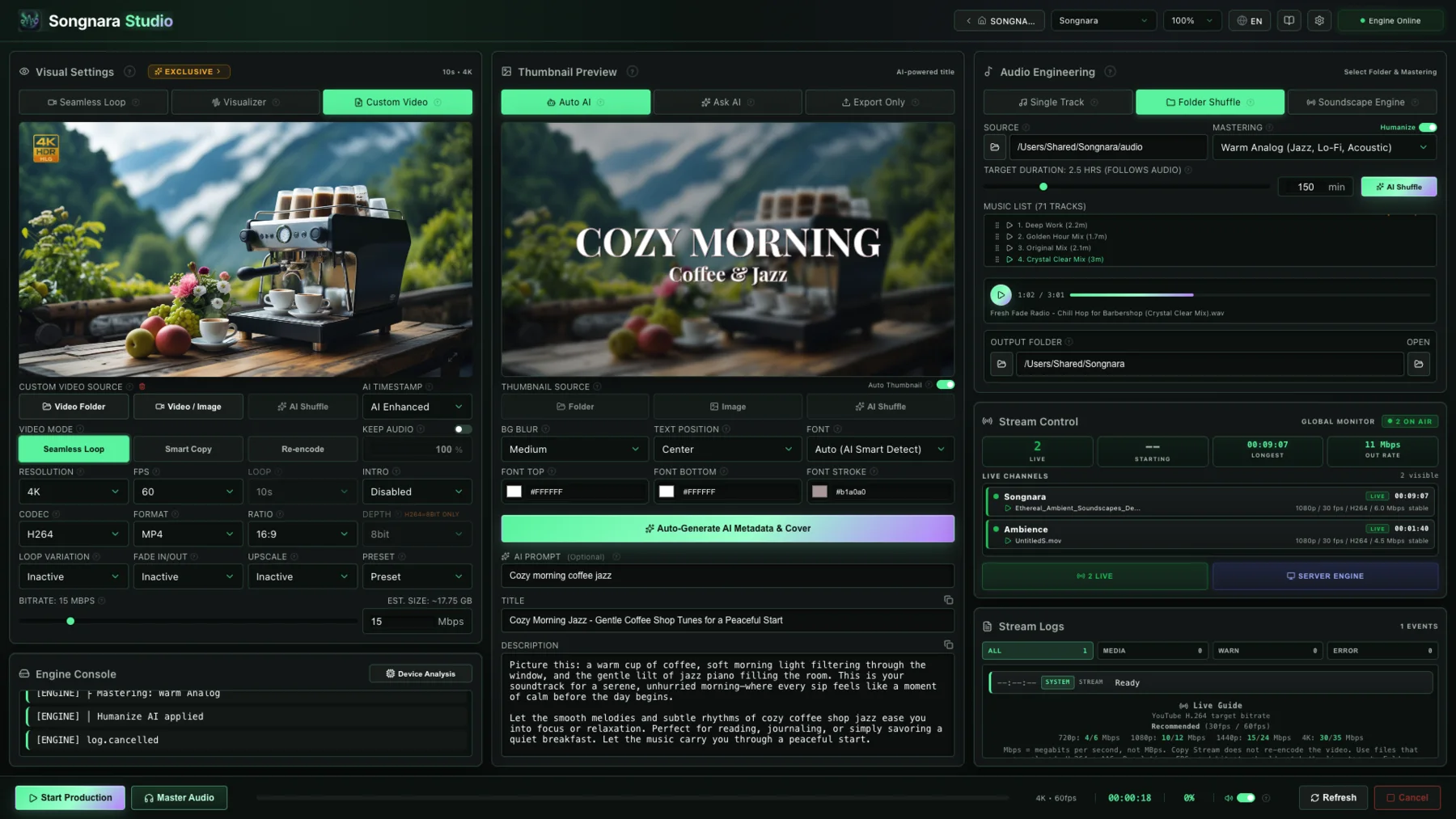
Songnara Studio gives you everything needed to produce and distribute music and ambient content seamlessly. Eliminate subscriptions to disparate tools and manage your entire channel workflow natively on macOS and Windows.
For YouTube music desks
Most music channels split the job: one editor for the 10-hour upload, OBS for the live, a notes app for titles. Songnara keeps visual production, mastering, metadata, and the live session in one project so a second channel is a new project, not a new pile of tools.
Windows and macOS installers are available now. The workflow above is the same on both.
Explore More
Produce long-form content at scale with automated visual orchestration.
Create stunning environments using 98 cinematic seamless loops.
Real-time reactive instruments that breathe with your music.
Generate 10-hour sleep and therapy visuals effortlessly.
Broadcast continuously on YouTube and Twitch autonomously.
Manage continuous broadcasts, AI metadata, and long-form videos in one place.
Try every premium feature free for 7 days. No payment details required.
Start Free Trial →FAQ
It replaces scattered tools. You import audio, and Songnara handles the visual looping, audio mastering, thumbnail generation, and live streaming in one go.
Yes. The Smart Random Shuffle engine assembles a unique combination of visuals, track order, and mastering profiles, so every render is an original production.
Yes, the Project Manager keeps project data, branding, and export settings isolated per channel, so you can scale without limits.
Yes. Keep keys and branding isolated per channel. The multiple-channel guide on this site covers a practical weekly rhythm.