Hyper-Fast Render
Assemble a full 1-hour video in under 60 seconds. Songnara stitches audio and visuals at the container level: no re-encode, no cloud render queue, no laptop fans screaming.
Professional Music & Ambient Video Studio
A complete desktop studio for music and ambient channels. Produce the video, finish the audio, then keep the stream running: from your own computer or your own server.
Why Songnara
Assemble a full 1-hour video in under 60 seconds. Songnara stitches audio and visuals at the container level: no re-encode, no cloud render queue, no laptop fans screaming.
Connect your own VPS: even a free tier. Songnara handles the SSH setup, uploads, scheduling, and health monitoring for you. You own the server; we automate everything running on it.
Run dozens of channels from one desk. Each channel keeps its own profile, device identity, regional settings, and fully isolated project data.
No two renders are ever identical. Every export builds a unique combination of visuals, track order, and mastering profile: for authentic, original uploads at any scale.
Speed
Traditional cloud tools make you wait in line while your video encodes. Songnara's stream-copy engine assembles long-form video locally, in seconds: so you can publish more, on more channels, every day.
Server Engine
Add your VPS once and Songnara turns it into a 24/7 broadcast station: install and configure streaming automatically, upload or pull videos (including from Google Drive), schedule start/stop with graceful handling, and monitor CPU, disk, and bandwidth: all from the app. No monthly streaming-host fees; you keep full ownership of your infrastructure.
Multi-Channel
Manage a whole network of music and ambient channels side by side. Every channel gets its own profile, device identity, regional settings, and separate project files: so nothing overlaps and everything stays organized.
Production Studio
Open the guide from Songnara itself. Every topic has a short explanation and a real screenshot: Welcome, Masked Layer, Custom Video, Stream Engine. New users can follow along without a tutorial channel.
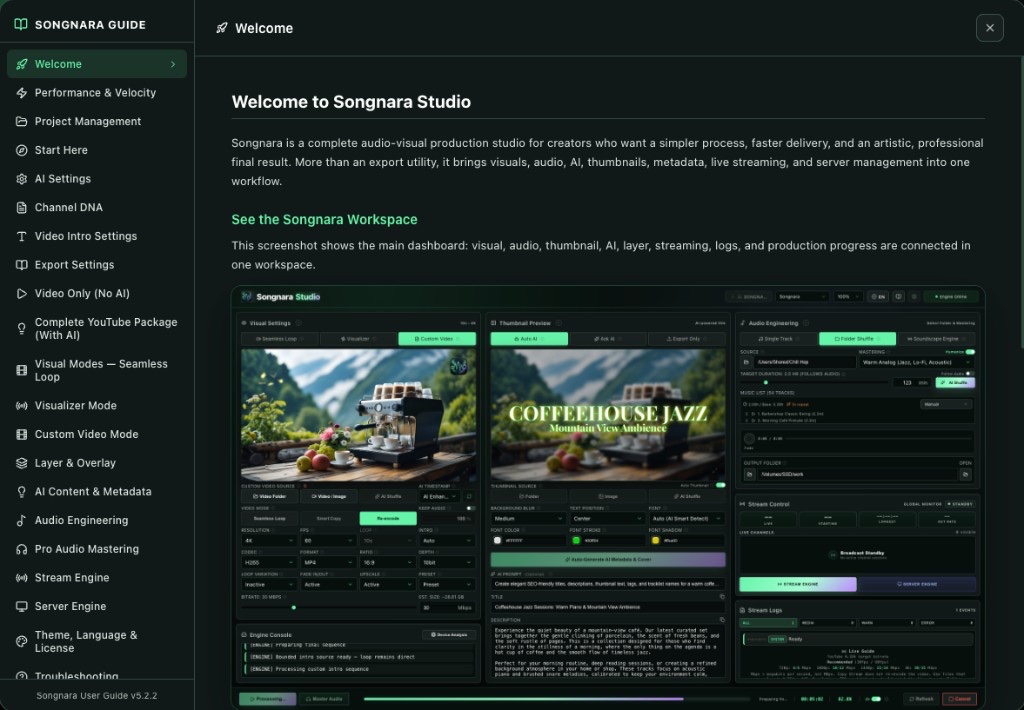
Paint the area you want to move. Brush, eraser, feather, expand: then preview before you export. A premium overlay tool, written in plain language.
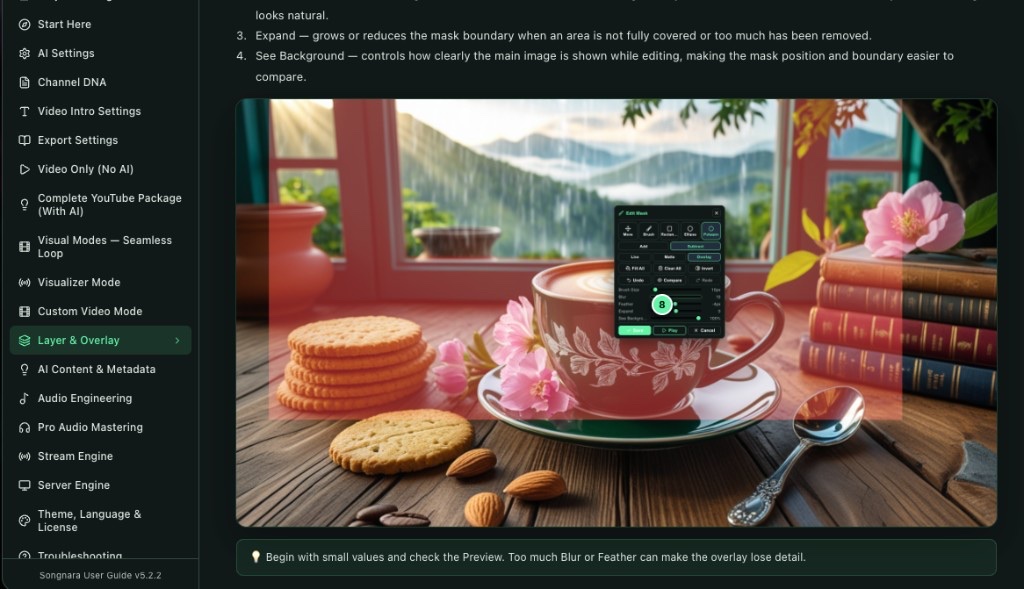
Cinematic loops already in the app. Nature, glass, night, golden hour: pick a look, keep producing.
Neon Pulse, Silk Horizon, Prism Constellation: stack them as overlays, change style without leaving the frame.

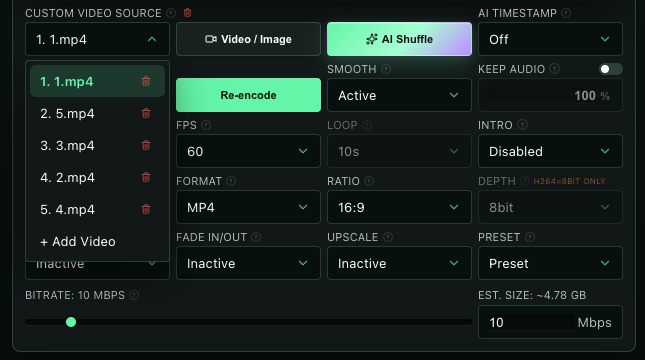
Drop in your clips. Songnara lists them, shuffles them, and keeps your audio if you want it.
Video, title, description, tags, timestamps, and thumbnail: drafted together. Bring your own key. Six AI providers.
Loudness, dynamics, and tone: finished in the same workspace as the picture.
Stack words, images, intros, and overlays on the same timeline. Studio control, not a one-click template.
24/7 music and ambient channels on your computer or your own VPS. Same project. Same look.
Edit the thumbnail next to the video. The cover stays with the release.
Audio, visuals, metadata, and export settings stay together. No scavenger hunt.
Use Cases
Long-form music videos from audio, loops, and metadata: without a full edit suite.
Cinematic seamless loops for nature, sleep, and background channels.
Reactive graphics that follow the mix, for uploads and live sets.
10-hour sleep, rain, and therapy videos without crashing the machine.
Always-on music and ambient broadcasts from your own computer or VPS.
Produce, schedule, and keep music streams running from one desk.
Product Tour
The complete production surface stays visible. Visual settings, audio engineering, thumbnail editing, stream controls, and release metadata: all within reach.
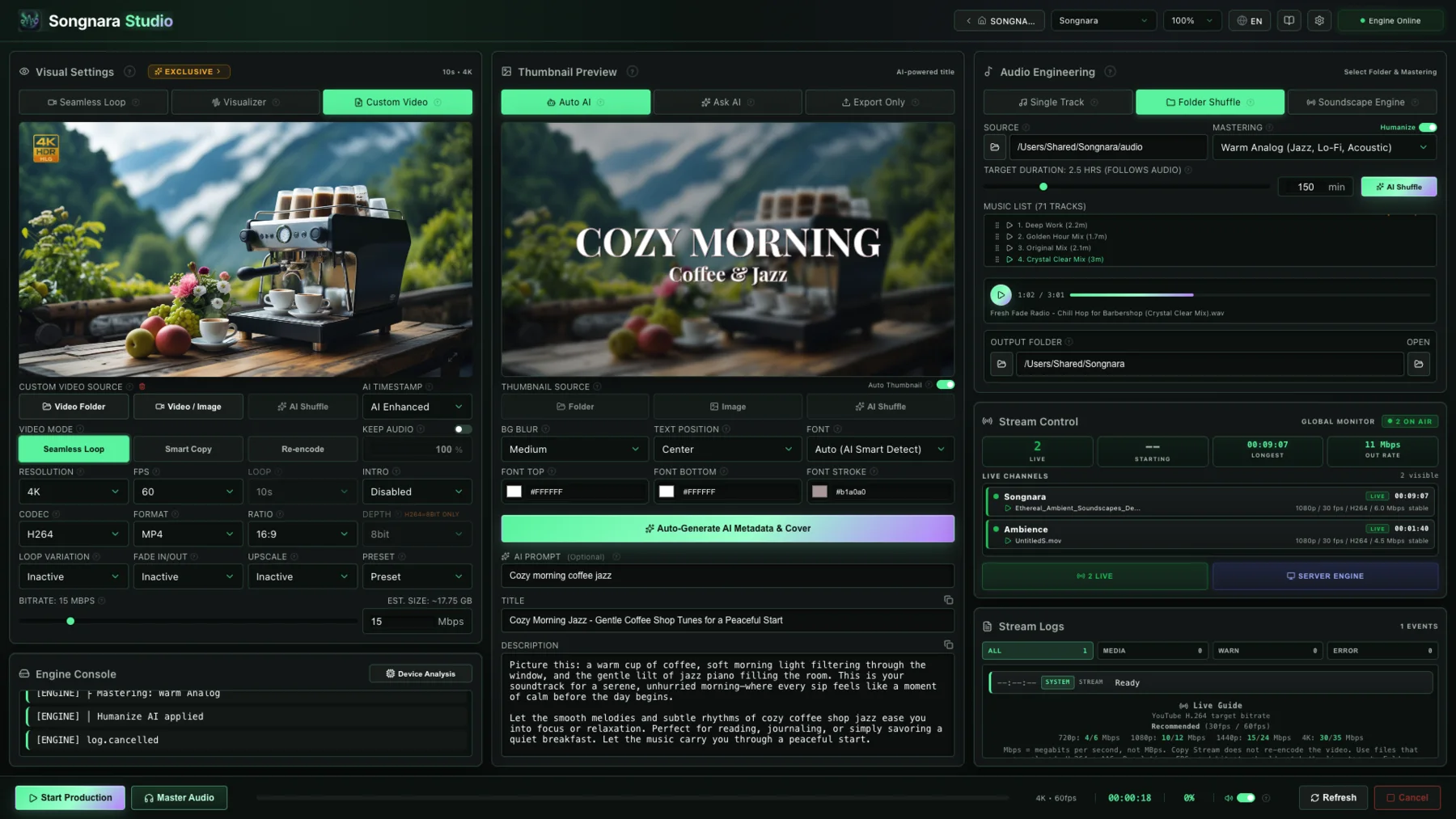
Workspace Themes
Switch between dark, light, OLED, and color-accented modes without changing the production flow. Every theme keeps the same dense controls, readable contrast, and Songnara identity.
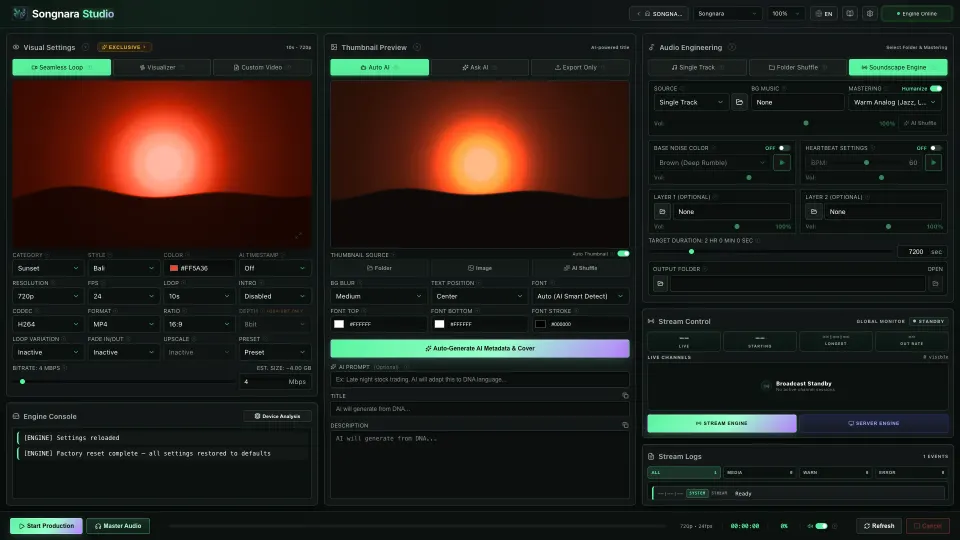
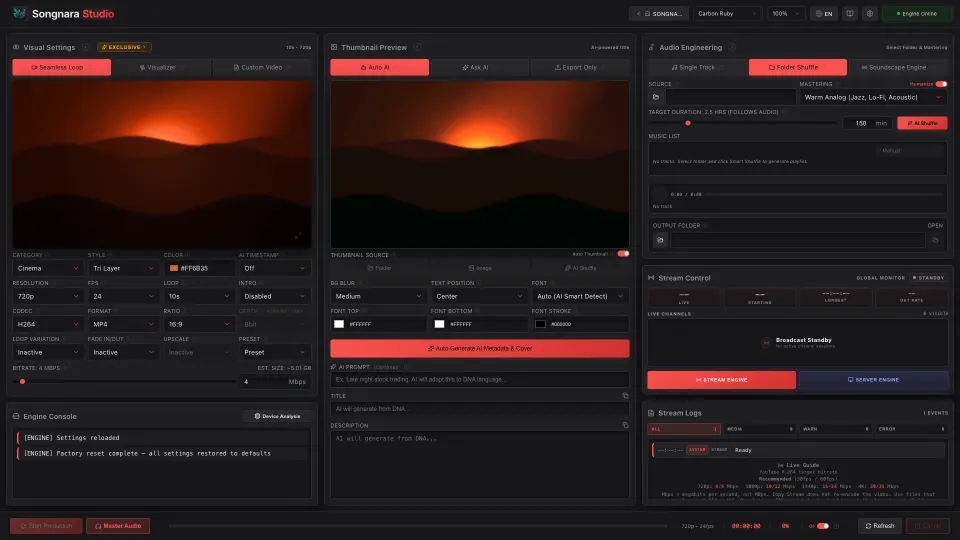
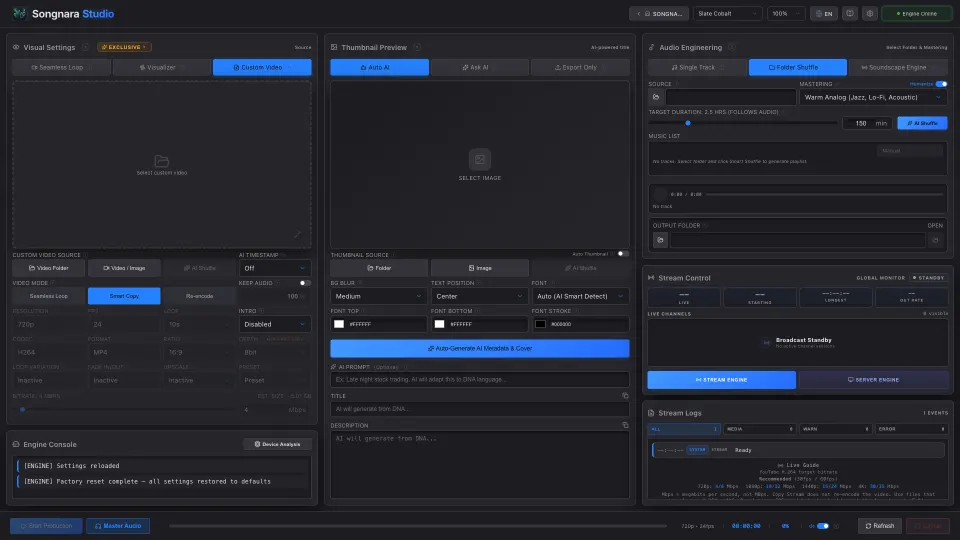
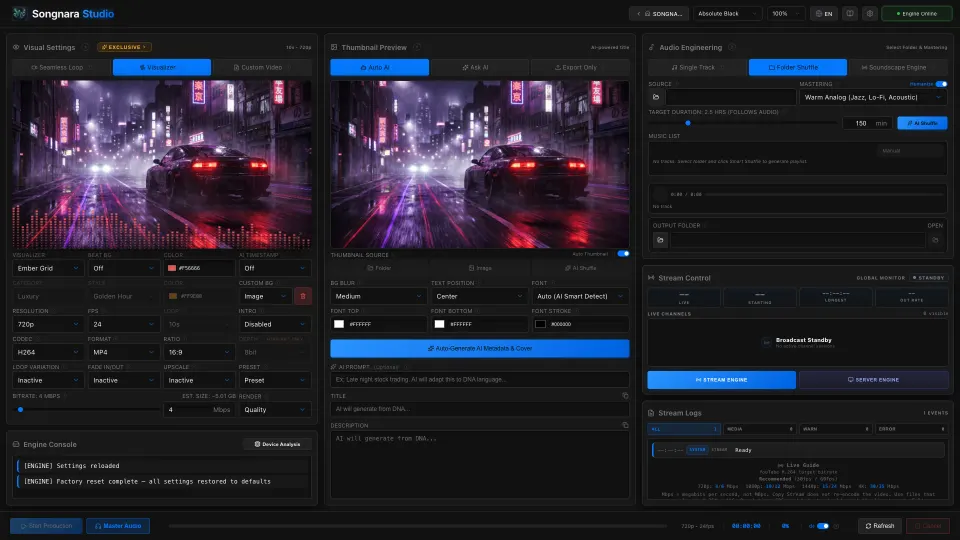
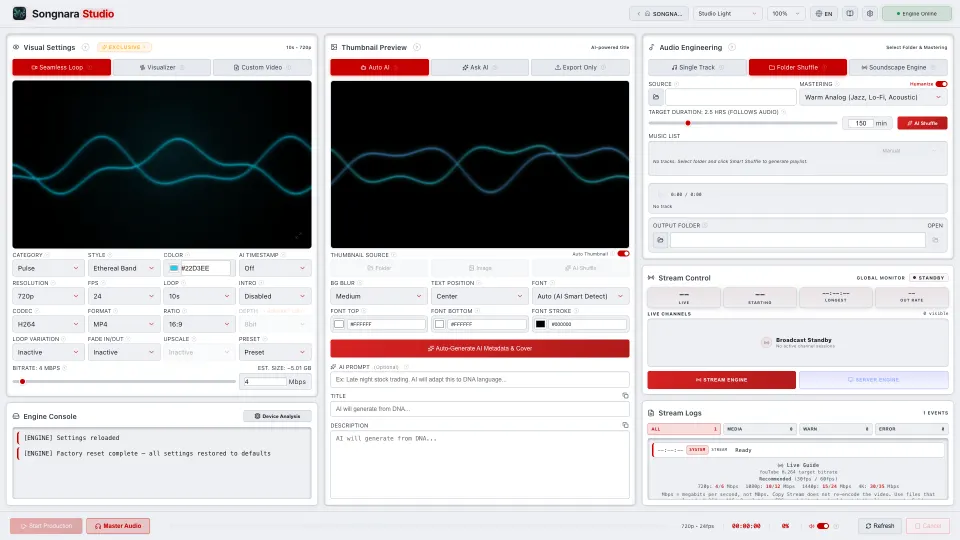
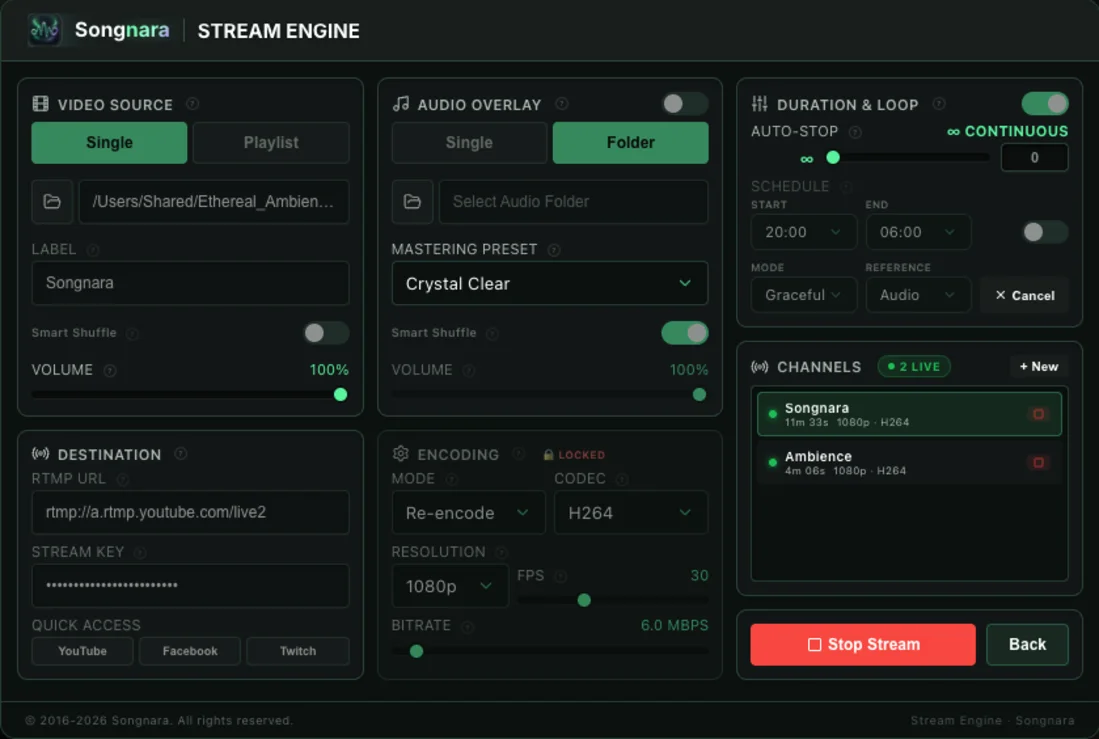
Continuous streaming with channel controls, audio overlay, and loop configuration in one focused panel.
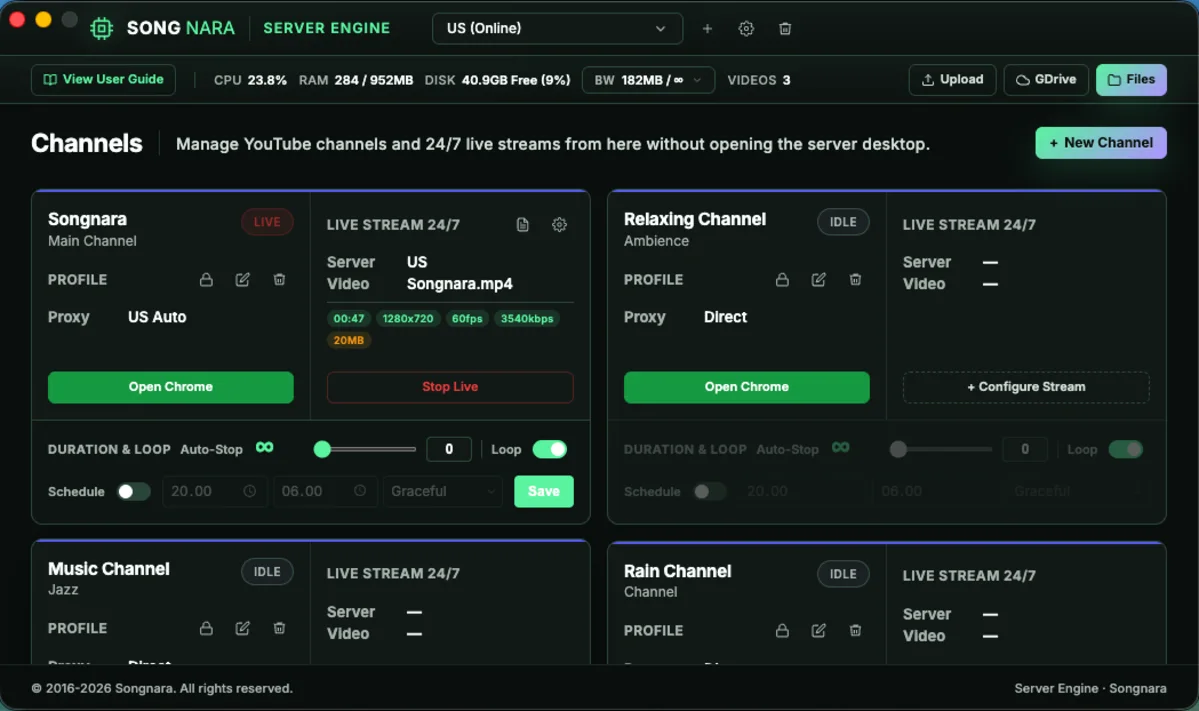
Remote channel session management without opening the server desktop for operational checks.
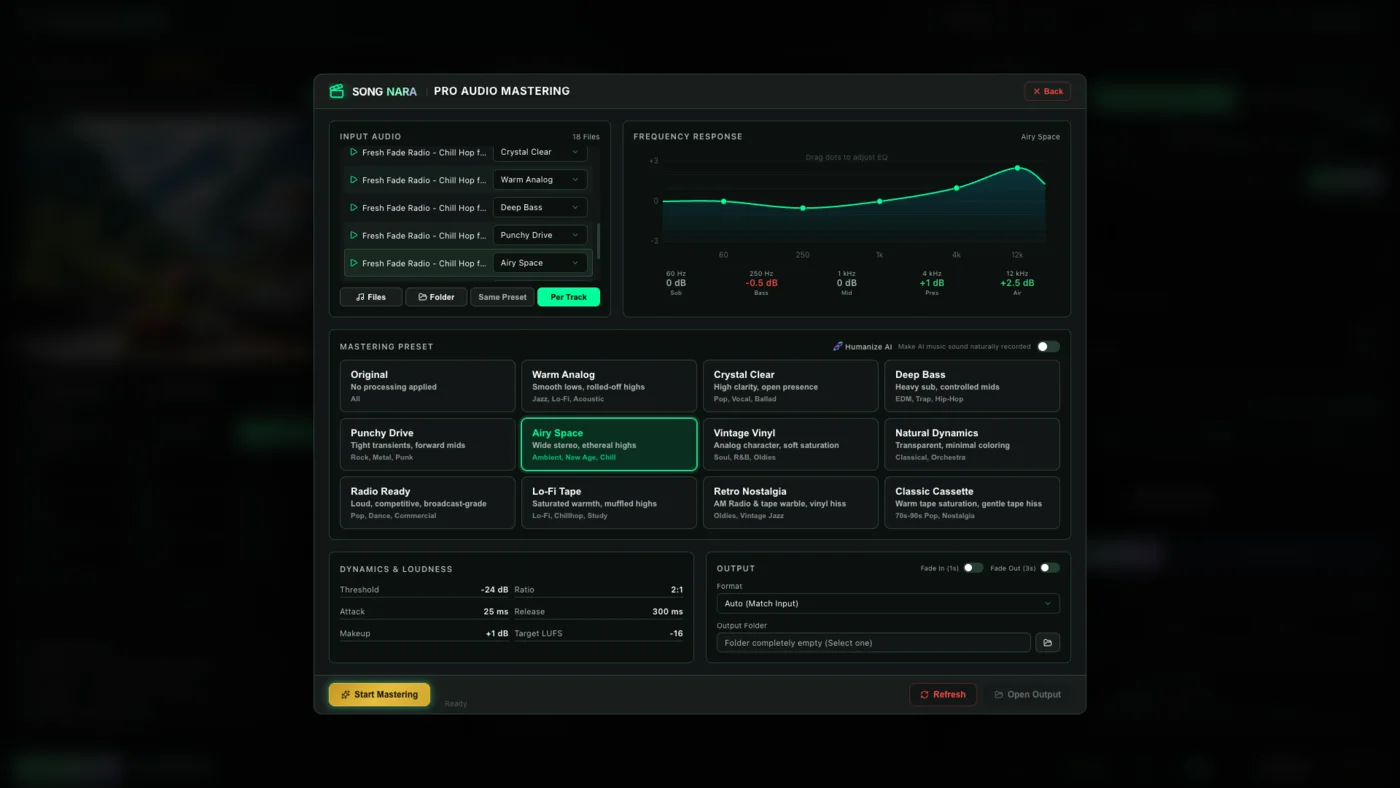
Mastering presets, frequency shaping, and output settings integrated into the release workflow.
Every feature has a short page and a real screenshot: from Welcome to Troubleshooting.
Brush the window. Leave the table still. Preview before you export.
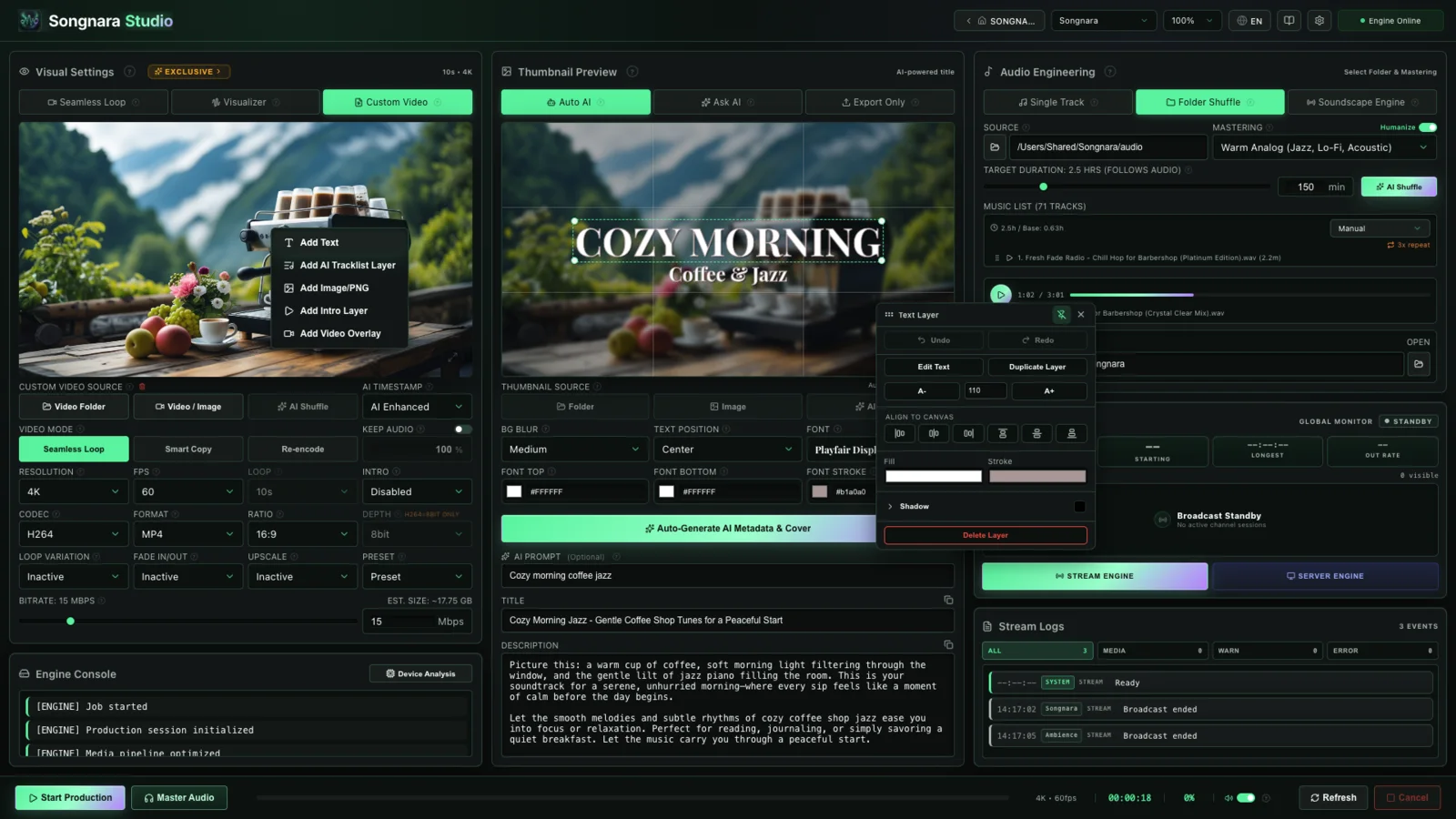
Creative Control
Add text, images, tracklists, intros, video overlays, and a Masked Layer directly inside the workspace. This is what makes Songnara feel like a real studio: not a one-click template renderer.
How It Works
Pricing
One license. Full access. No hidden fees.
per month
per year (Save 42%)
one-time payment
Release Status
Choose your platform. Free trial starts when you open Songnara, no payment details required.
FAQ
Short answers about getting started, the free trial, payment, and first-time install on Windows and Mac.
Yes. Open the illustrated guide inside Songnara. Every topic has a short explanation and a real screenshot: Welcome, Masked Layer, Custom Video, Stream Engine. You do not need a tutorial channel to start.
Songnara Studio is a professional desktop application for creating music videos, ambient content, audio mastering, thumbnails, metadata, and managing live streams: all from a single workspace.
You paint the area that should move. Rain can stay on the window while the room stays still. Brush, eraser, feather, expand: then preview before you export.
Songnara is available now for Windows 10/11 (x64) and macOS on Apple Silicon and Intel. On Windows, the Microsoft Store install is recommended; a direct .exe is also available. It is a standalone desktop application: no browser or cloud account is required to produce locally.
Yes. Microsoft Store installs skip that step. For the Windows .exe or either Mac .dmg, your OS may show a first-run confirmation because the installer came directly from songnara.com. Use More info → Run anyway on Windows, or Open Anyway under Privacy & Security on macOS. Download only from this site or the official Microsoft Store listing.
Yes. You can try Songnara Studio completely free for 7 days. During the trial, you have full, unrestricted access to all premium features, visual scenes, and export capabilities.
No. You can start your 7-day free trial immediately after downloading the app without providing any payment information.
All payments are processed securely through Paddle, our Merchant of Record. Paddle handles billing, taxes, and compliance in every country.
The desktop app includes bundled third-party notices. FFmpeg attribution and GPL license details are shipped with every release, viewable in-app under Settings → About → Open Source Licenses, and summarized on the Open Source Notices page.